Sub-Total: $0.00

How to Generate Customer Reviews


Are you a small business owner?
We have blog content targeted to the unique challenges you may be facing and how to navigate them.

As a business owner, you know that the reputation of your company is vital to ongoing success. In today’s world, people are checking reviews more than ever before, making what people say about your business online crucial to every sale. Explore our guide to learn how to generate customer reviews and why it’s a worthwhile effort for any business owner.
The Importance of Customer Reviews
Companies rely on various techniques to generate awareness and boost sales. Customer reviews are one example, as they demonstrate the value of your products or services. Feedback from real users is more informative and useful to a potential customer, as they can learn more about how others are utilizing the product and its benefits over another.
A customer review is an opinion written by someone who has interacted with the company and used its products or services. Some online review platforms generate a ranking, such as stars or points, to help potential customers make quick determinations about purchasing with a specific company. For example, an organization with a four-star rating (out of five) would rank higher on the page than one with a three-star rating.
According to B2B Reviews research, more than 99 percent of shoppers read reviews when researching online purchases. Over 80 percent look at online reviews for businesses local to their area, and nearly half report that they trust reviews as much as personal recommendations provided by friends or family.
Customer reviews impact the public perception of the products and services offered by your company. They also influence social credibility and offer an opportunity to leave a positive impact on potential customers. By contrast, poor reviews (or a lack of reviews altogether) can cause someone to look elsewhere for what they want or need.
How to Generate Customer Reviews in Three Steps
Follow these steps to start generating more customer reviews.
Establish a plan for following up
Happy customers are less likely to take steps to leave a positive review without a reminder and an easy way to do so. Make sure every customer who makes a purchase from your company receives a follow-up email that requests their feedback. Include a link to the site where you want the customer to leave a review (Google, Yelp, third-party site, etc.)
Respond to reviews
When someone leaves a review, make sure you have someone from your team responding to them. Regular responses to feedback indicate to a customer that your company is engaged and offers a high level of service. Responding to a less-than glowing review can also allow you to take steps to make it right with the unhappy customer.
Offer incentives
Although offering incentives directly to customers in exchange for feedback violates the terms of many review platforms, you can take a different approach. Incentivizing your employees can go a long way toward generating more positive customer reviews. Encourage members of the team who interact with customers regularly to ask for reviews and provide a quick and easy way to leave one. When their customer leaves a review, that employee can earn an incentive.
This post is part of our “how-to” series for small business owners. Review some of our previous posts in the series to improve the way you manage your organization.
Simplify HR management today.
Simplify HR management today.
Last-Minute Call-Outs: How to Fill Shifts Faster with Smart Scheduling
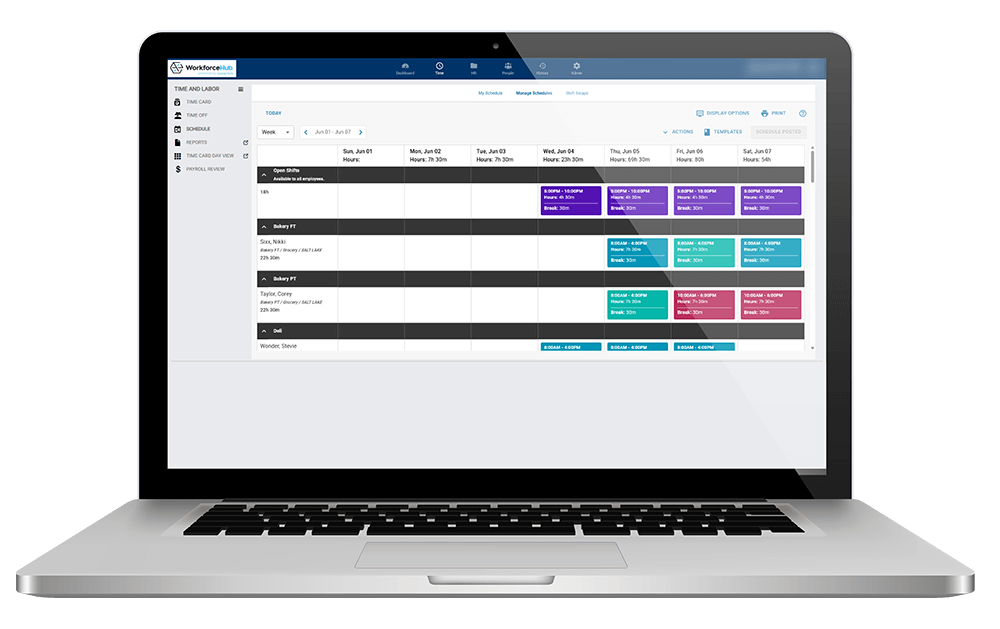
It’s 6:15 a.m., and an employee just texted to say they’re out sick for their 7 a.m. shift. Now someone on your team is scrambling to check who’s qualified, who’s already scheduled elsewhere, who’s close to overtime, and who will actually pick up the phone. By the time a replacement is found, the shift is…

7 Signs Your Small Business Has Outgrown Manual HR Processes
Running HR out of spreadsheets and email threads feels manageable, until it doesn’t. If any of the signs below sound familiar, it’s probably time to look at HR software built for growing teams. 1. Scheduling Feels Like a Full-Time Job A whiteboard or spreadsheet schedule might work for five employees. At 25, 50, or 100,…

WorkforceHub takes care of business.
We’ll show you how.
Request a Demo - Footer Form
